Each line supports up to 50 net new contacts per day
Try before you buy
$500 one-time for 30 days on one client pilot - converts to reseller plan.
Sendblue Accelerator Plan
$2,000/year
10 leads/day per line
Unlimited seats
Sendblue dashboard
CRM integrations
Workflow builder
iPhone First Funnels Skool
Email support
+$1,000 set-up fee is optional - for full setup with a dedicated Sendblue account manager, or keep self setup.
+$1,000/yr per 5 extra leads
How many lines do you need?
1 line
Sendblue Accelerator Plan
$3,000/year
Onboarding included
10 leads/day per line
Personalized onboarding & training
Unlimited seats
Sendblue dashboard
CRM integrations
Workflow builder
iPhone First Funnels Skool
Email support
+$1,000/yr per 5 extra leads
Blue Ocean Enterprise Plan
$1,000 platform fee/mo
1 phone line = 50 contacts/day
Add lines for $500/line · 20% annual discount
What's included:
Everything in Sendblue Accelerator Plan
Sendblue dashboard
50 leads/day per line
CRM integrations
Workflow builder
API access
Unlimited seats
Private Slack channel
Hands-on help with Sendblue workflows using our best practices
Dedicated Growth Consultant
QBR review
Power dialer
SOC 2 compliance
HIPAA compliance
** 5 lines and above requires an annual commitment
Blue Ocean Enterprise Plan + FaceTime Audio
$1,250 platform fee/mo
1 phone line = 50 contacts/day
+$1,000 one-time set-up per line · Add lines for $750/line · 20% annual discount
What's included:
Everything in Blue Ocean Enterprise Plan
Everything in Sendblue Accelerator Plan
Sendblue dashboard
50 leads/day per line
CRM integrations
Workflow builder
API access
Unlimited seats
Private Slack channel
Hands-on help with Sendblue workflows using our best practices
Dedicated Growth Consultant
QBR review
Power dialer
SOC 2 compliance
HIPAA compliance
FaceTime audio
FaceTime power dialer
40 FaceTime audio calls/day per line
** 5 lines and above requires an annual commitment
Onboarding & Next Steps
Here's what to expect once you sign.
Getting started
Typical timeline from signing to training: 1–3 days (average 1 day).
Typical timeline from signing to onboarding: 1–3 days (average 1 day).
Inside the Sendblue Skool training
Cover best practices to get the best response rate and results
Walk through how to keep your iPhone lines healthy
Support CRM integration setup (if needed)
How to build workflows within your CRM or Sendblue
Download prebuilt, proven workflow templates
Finish with a 20-question quiz on everything covered
Pass the quiz and we'll assign your lines right away.
On the onboarding call
Cover best practices to get the best response rate and results
Walk through how to keep your iPhone lines healthy
Support CRM integration setup (if needed)
Build any workflows you need, live on the call
Ongoing support after training
Priority email support - we reply quickly when questions come up
Ongoing support after training
On-call support - book a support call with us anytime to help go over workflows, response rates, Zapier, etc. (anything that will help your success with Sendblue!)
Our Conversation AI Summary✨
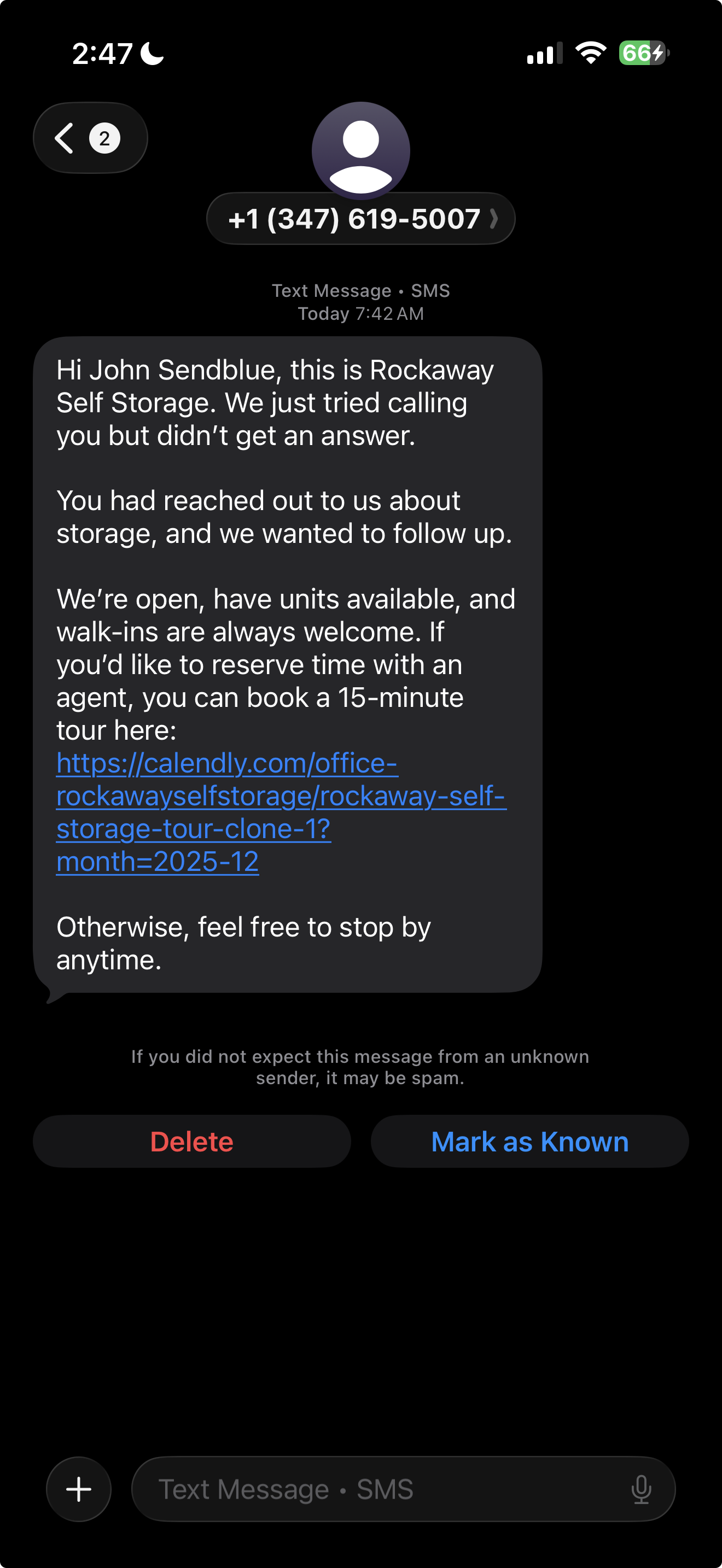
Hear it from a Sendblue customer
Real results, straight from a business already going blue.


 With Sendblue